


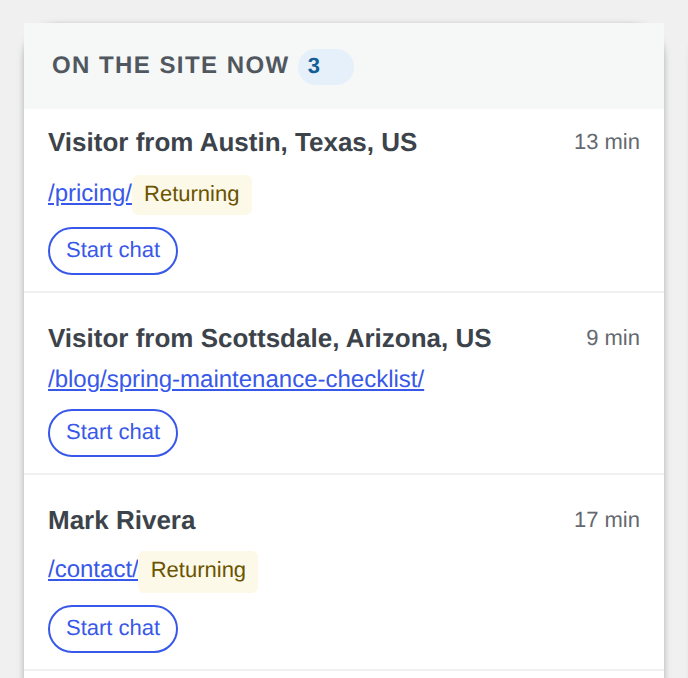
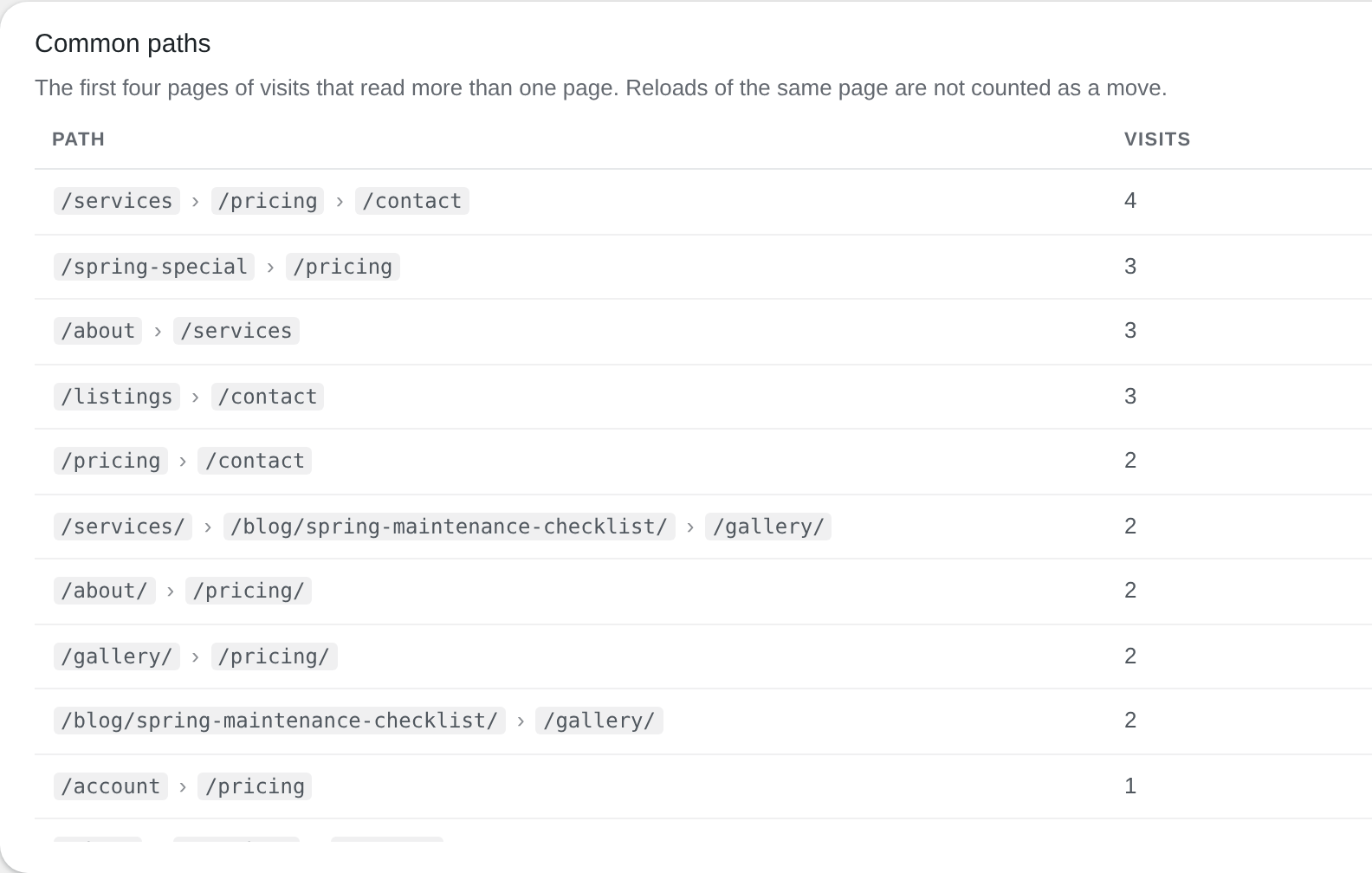
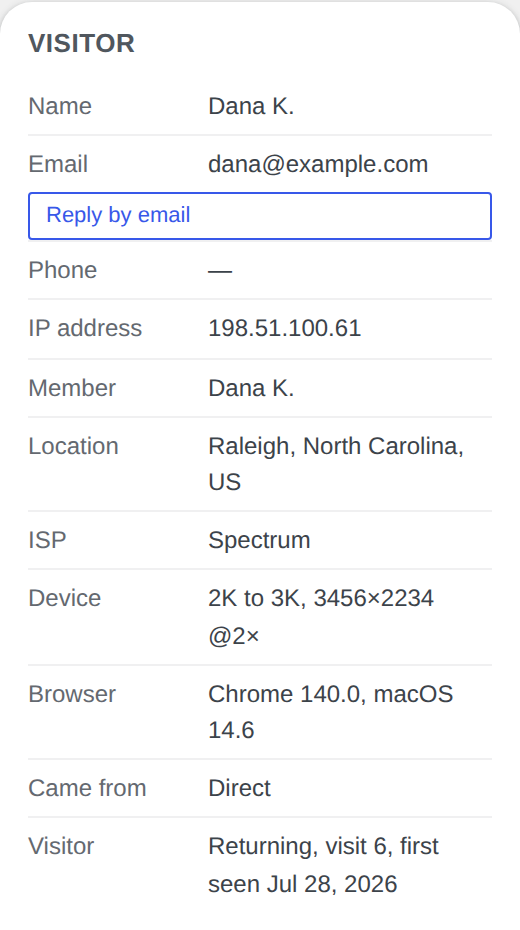
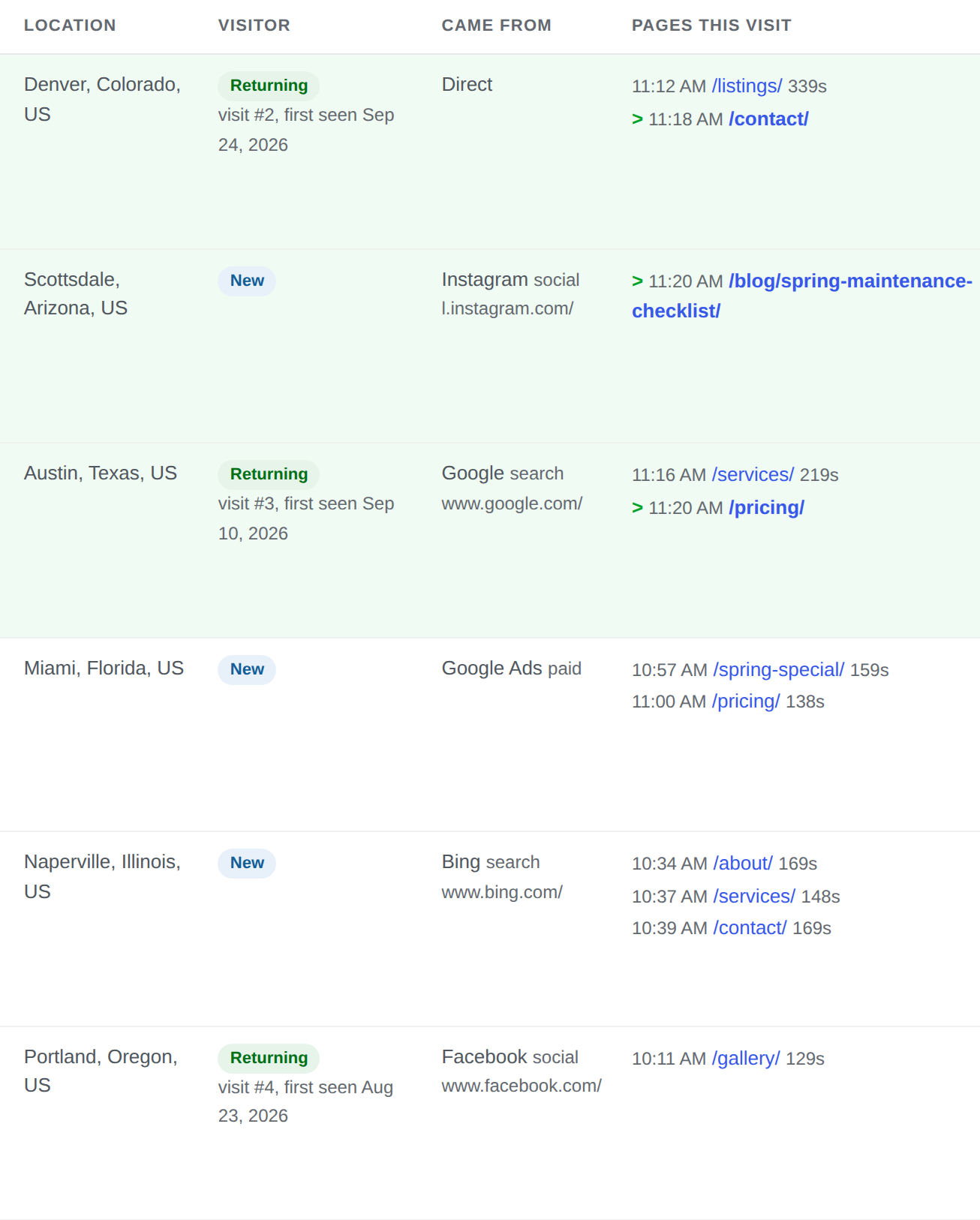

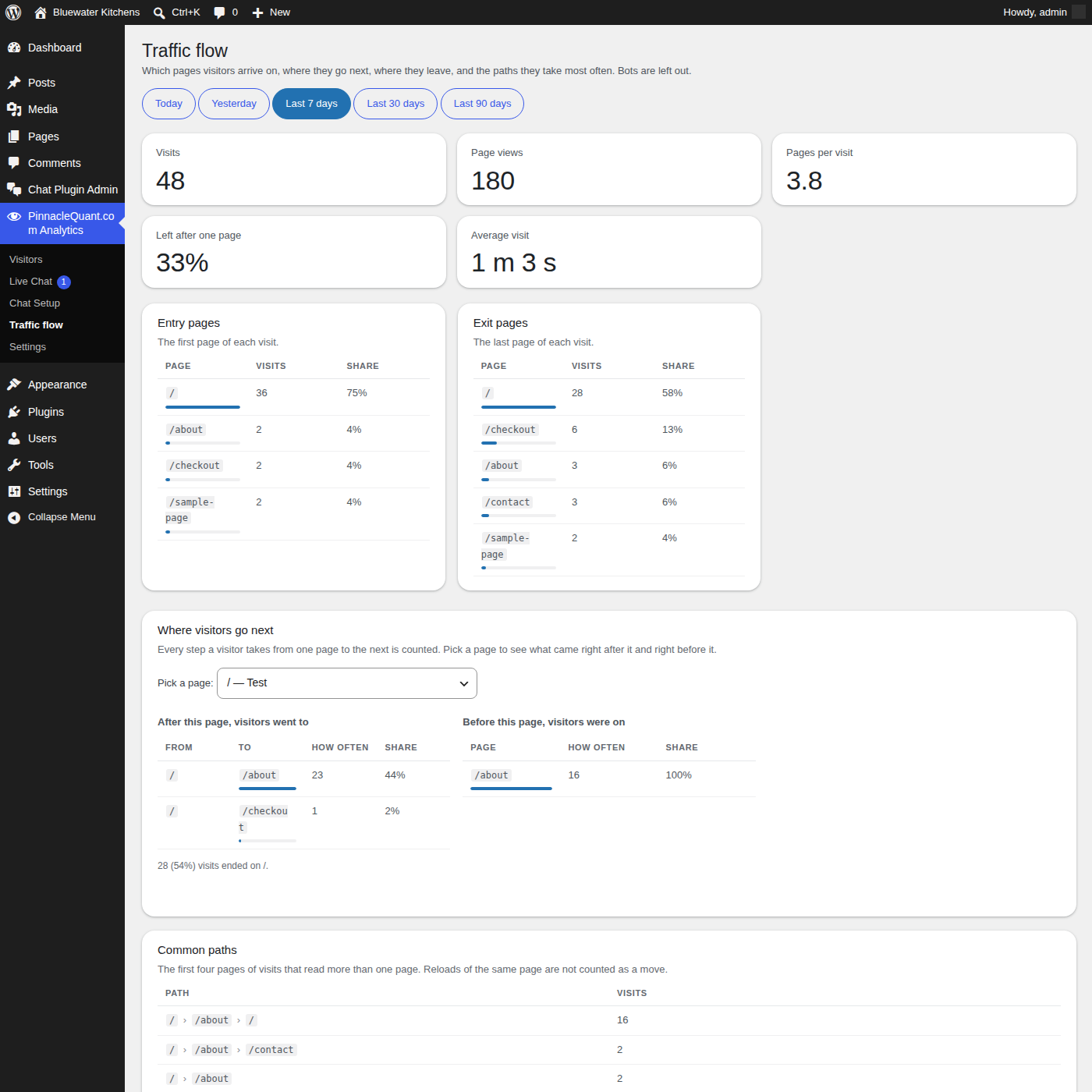
I needed a better analytics system for my own website: real-time traffic flow, returning visitors, and a way to chat with a visitor who has a question. It had to be fast and responsive, and I did not want my traffic data handed to a third party. So I built a WordPress plugin that gives me everything I need to serve my clients. It is already built, so I decided to give it away to other WordPress webmasters who are serving their audiences. Why not?
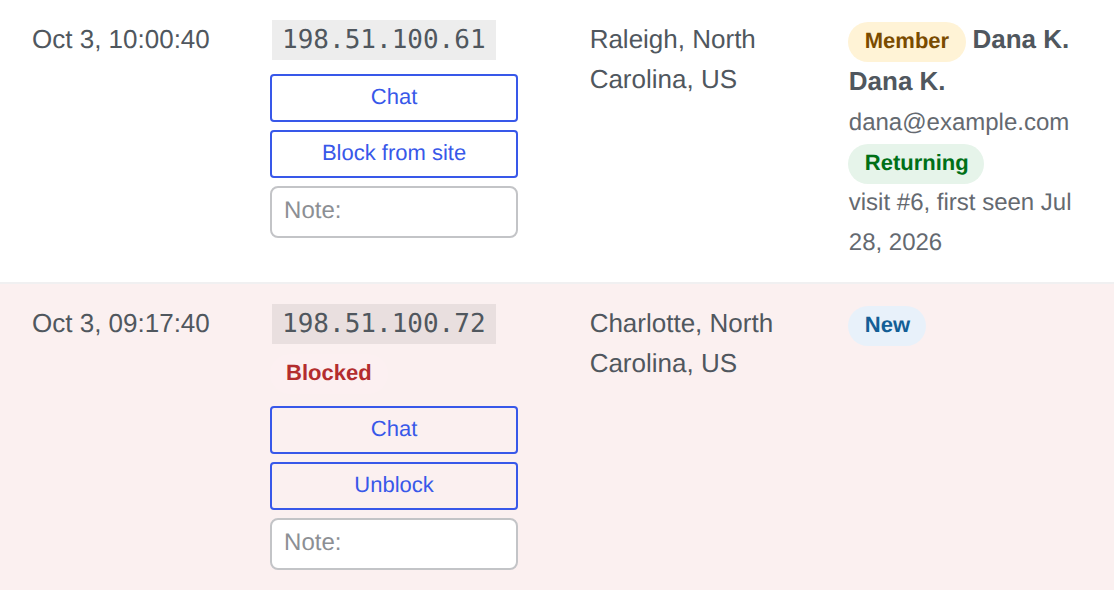
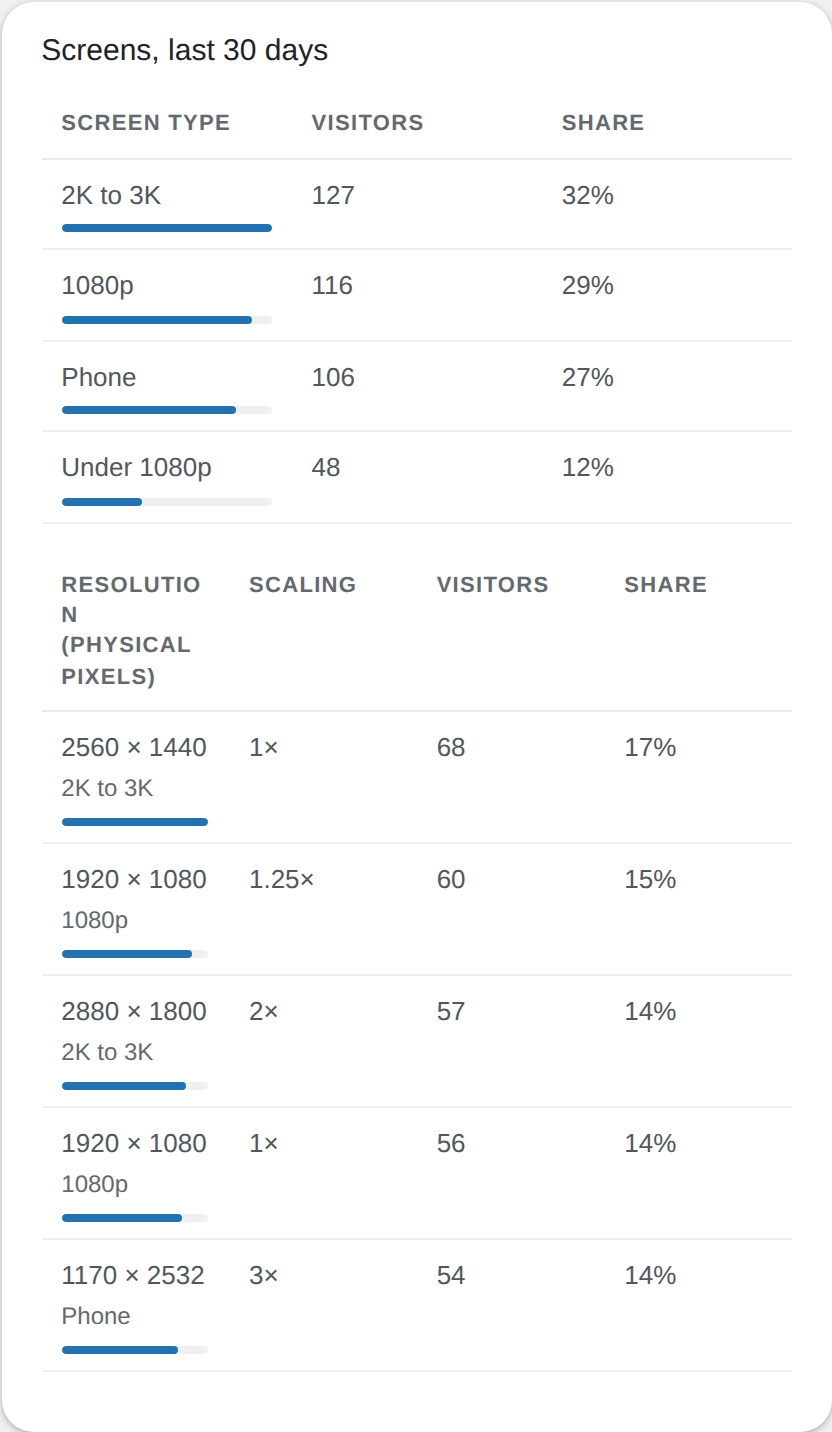
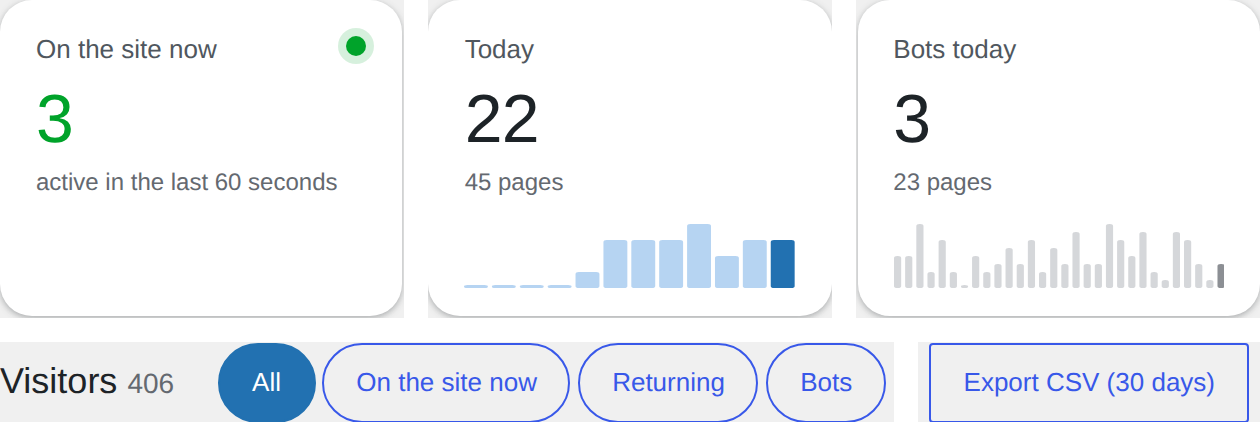
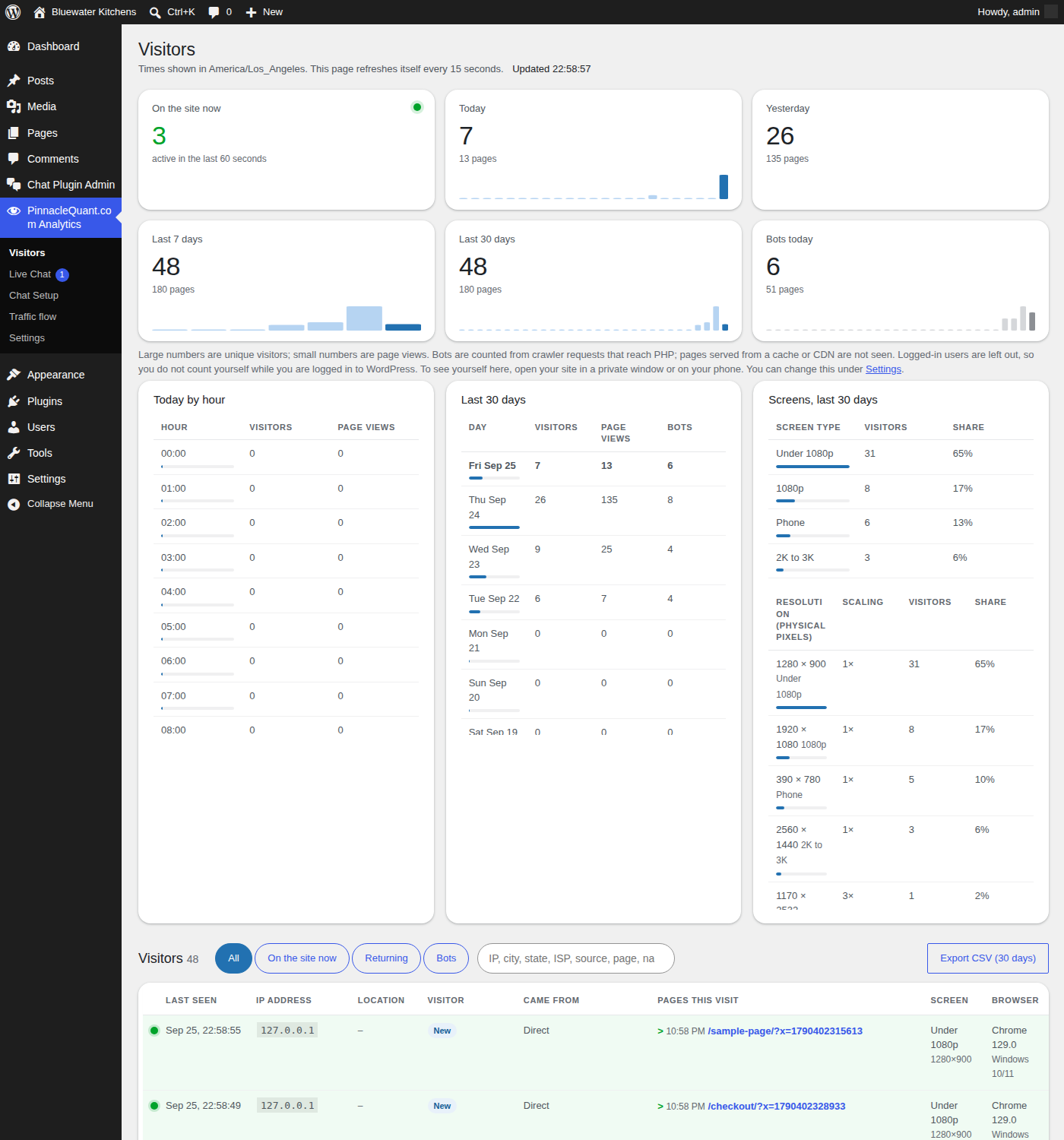
If you run a WordPress site and want real-time analytics and data in a clear, easy way, where your visitors came from, the device they use, their monitor size, their browser, which pages they read and whether they came back, this 100% free WordPress plugin is yours. Add the free Live Chat add-on and help them while they are on your site.
By downloading either plugin you accept the GPL v3 license and the terms in the Download section below.
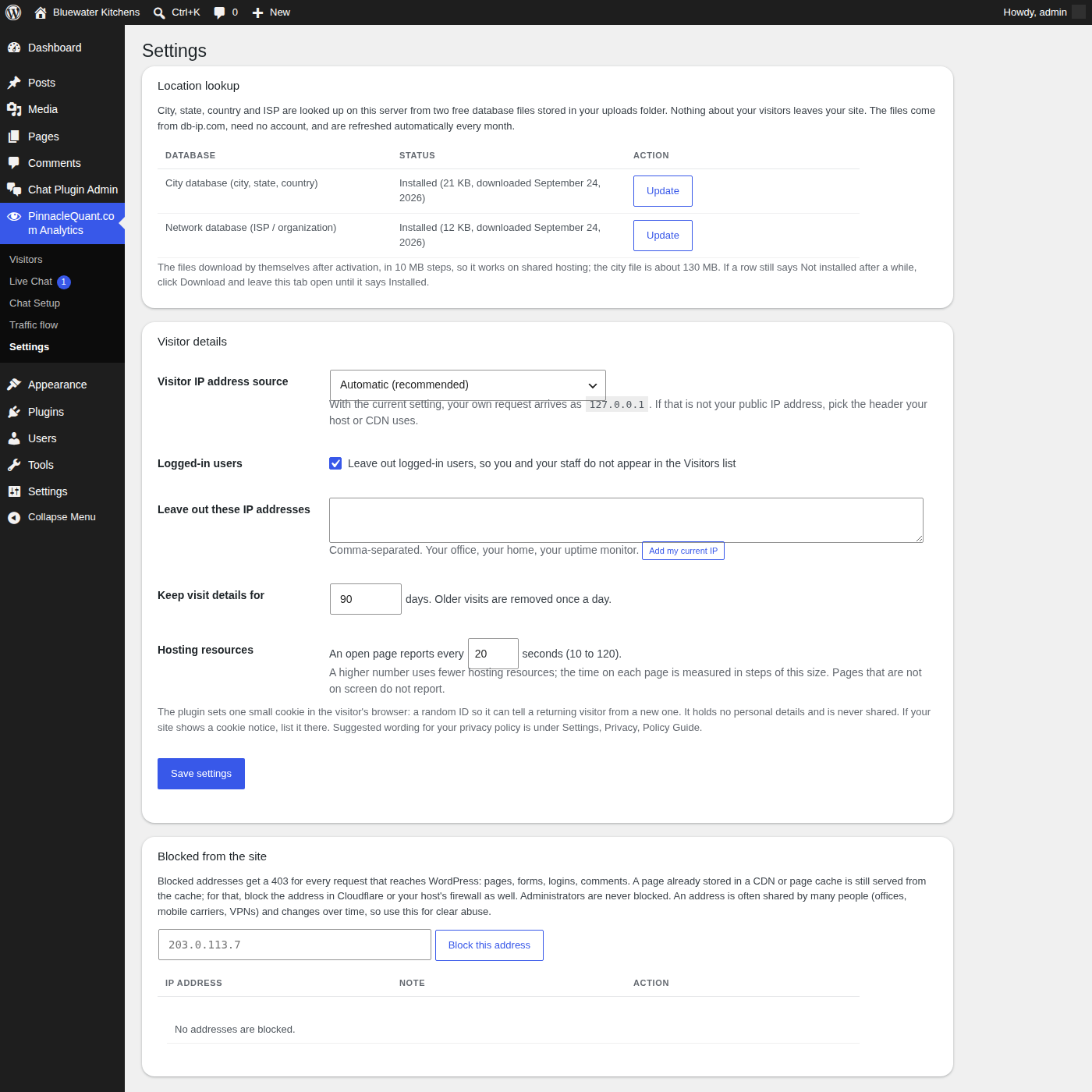
Analytics is the systematic computational analysis of data. PinnacleQuant.com Analytics is a free WordPress plugin that does exactly that for your own visitor traffic: it measures every visit on your own server, in real time, and shows you the results in plain tables and charts inside your WordPress admin. No account, no outside service, no data leaving your site.
Install it, open the Visitors page, and know your stats within a minute. It works on every page and post, across all devices: desktop, tablet and phone.
Anyone who runs a WordPress site and wants to know their stats without handing their visitor data to an outside company: small businesses, consultants, online stores, bloggers, agencies looking after client sites, and traders or advisors whose visitors expect privacy. If you have ever opened an analytics report and still did not know who was on your site five minutes ago, this is built for you.
About two minutes, with no code to paste and no account to open.
Nothing! Both plugins are 100% free, with no paid tier and no limits on visitors or pages! You’ll be hosting the plugins on your own site or server so your site resource usage will likely increase. Here are some estimates on those metrics:
If you have been paying a monthly fee for a chat window or an analytics dashboard, that fee is the saving.
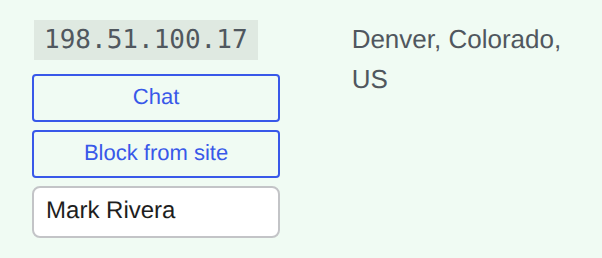
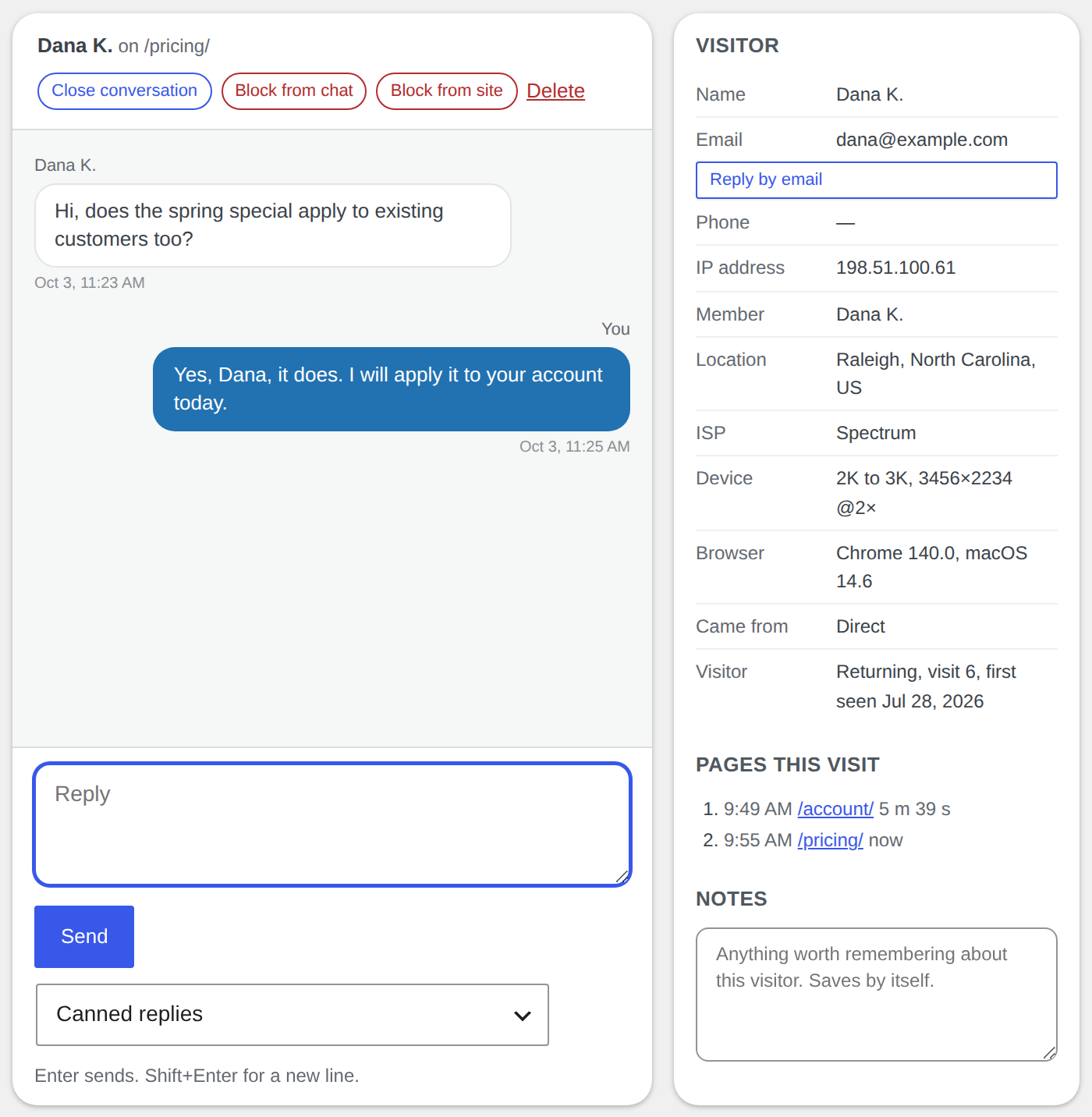
Analytics shows you who is on your site right now. The Live Chat add-on lets you talk to them while they are there: a chat button on your pages, a Live Chat page in your WordPress admin, and nothing in between. You see the visitor’s city and the page they are reading, you start the chat or they do, and the whole conversation runs on your own server.
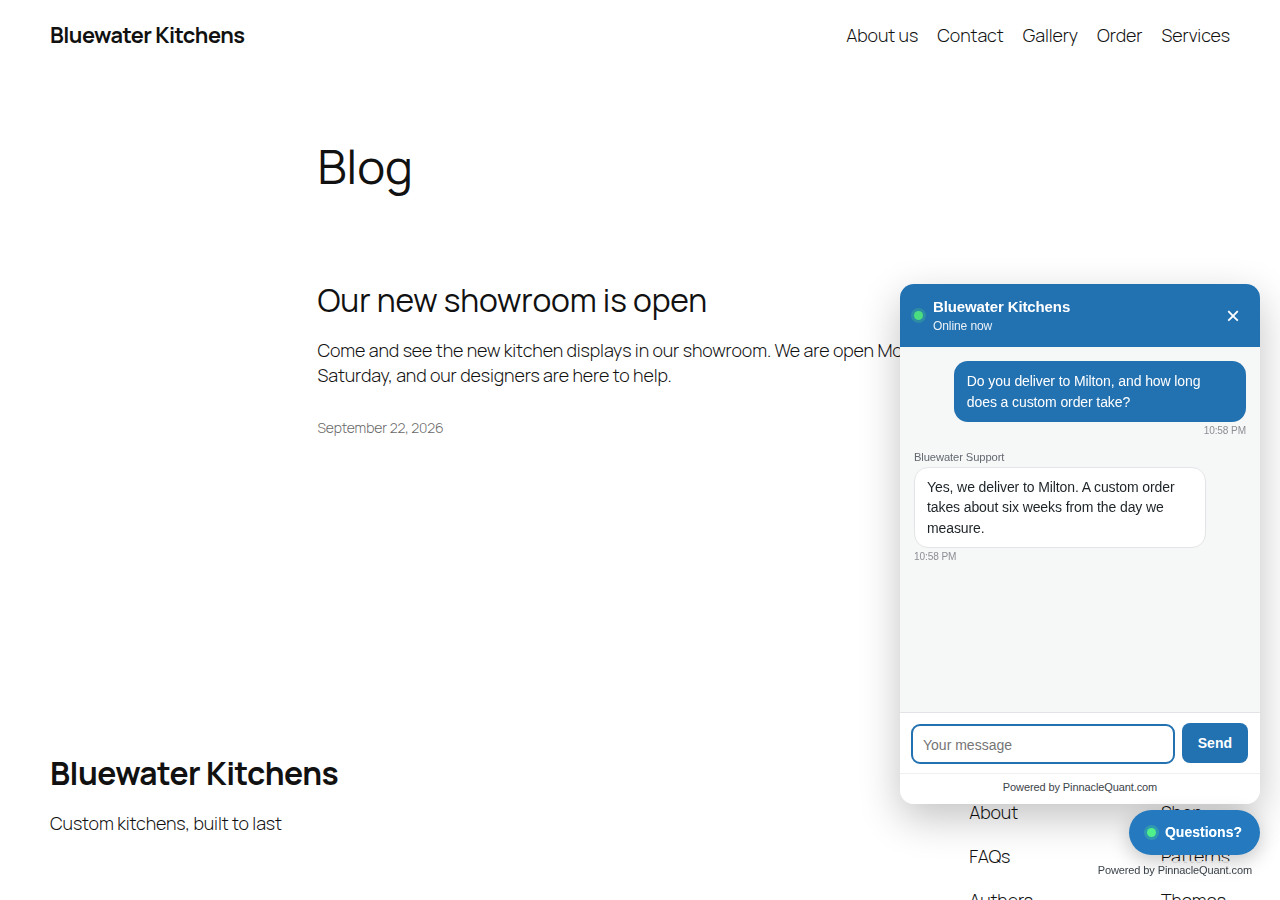
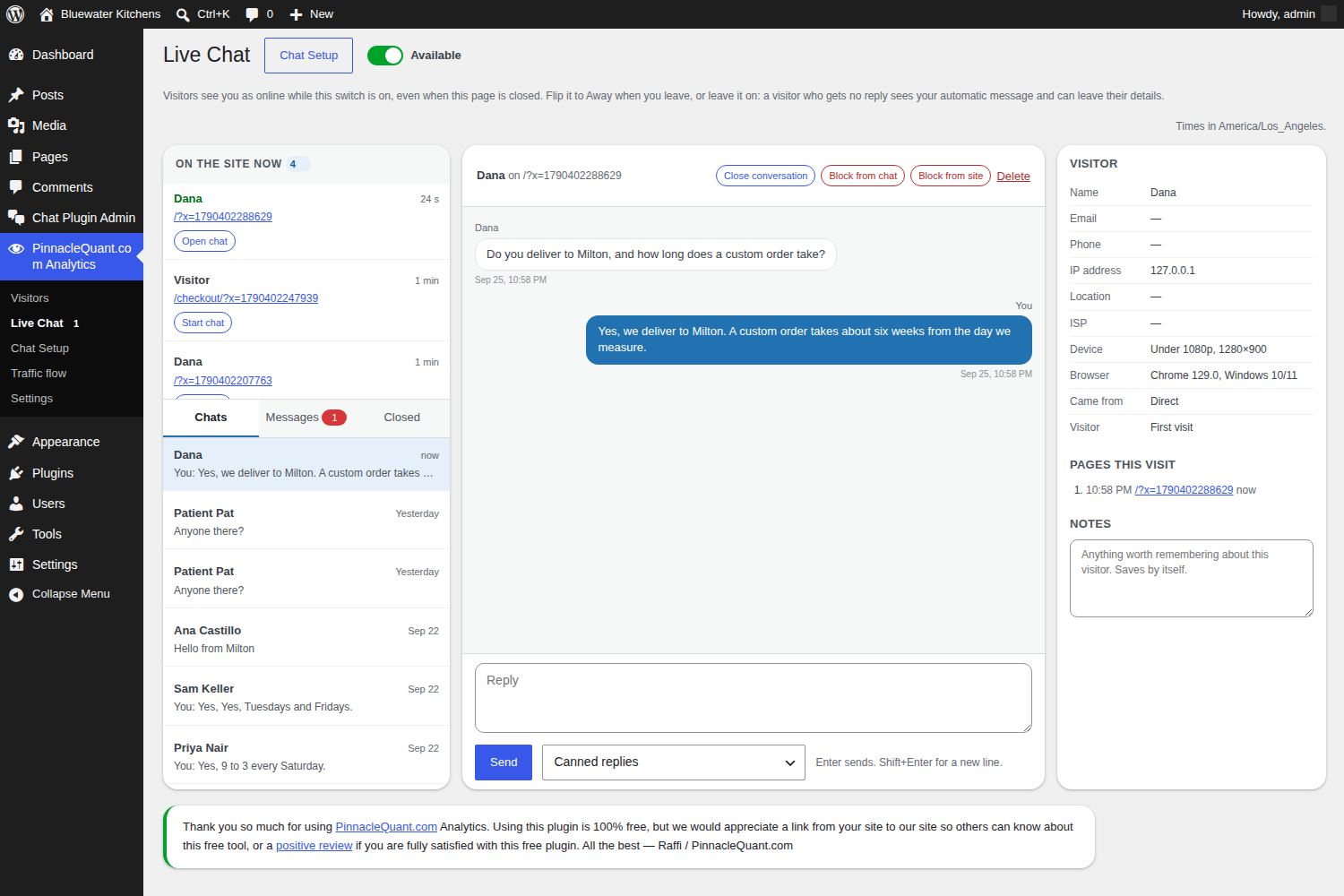
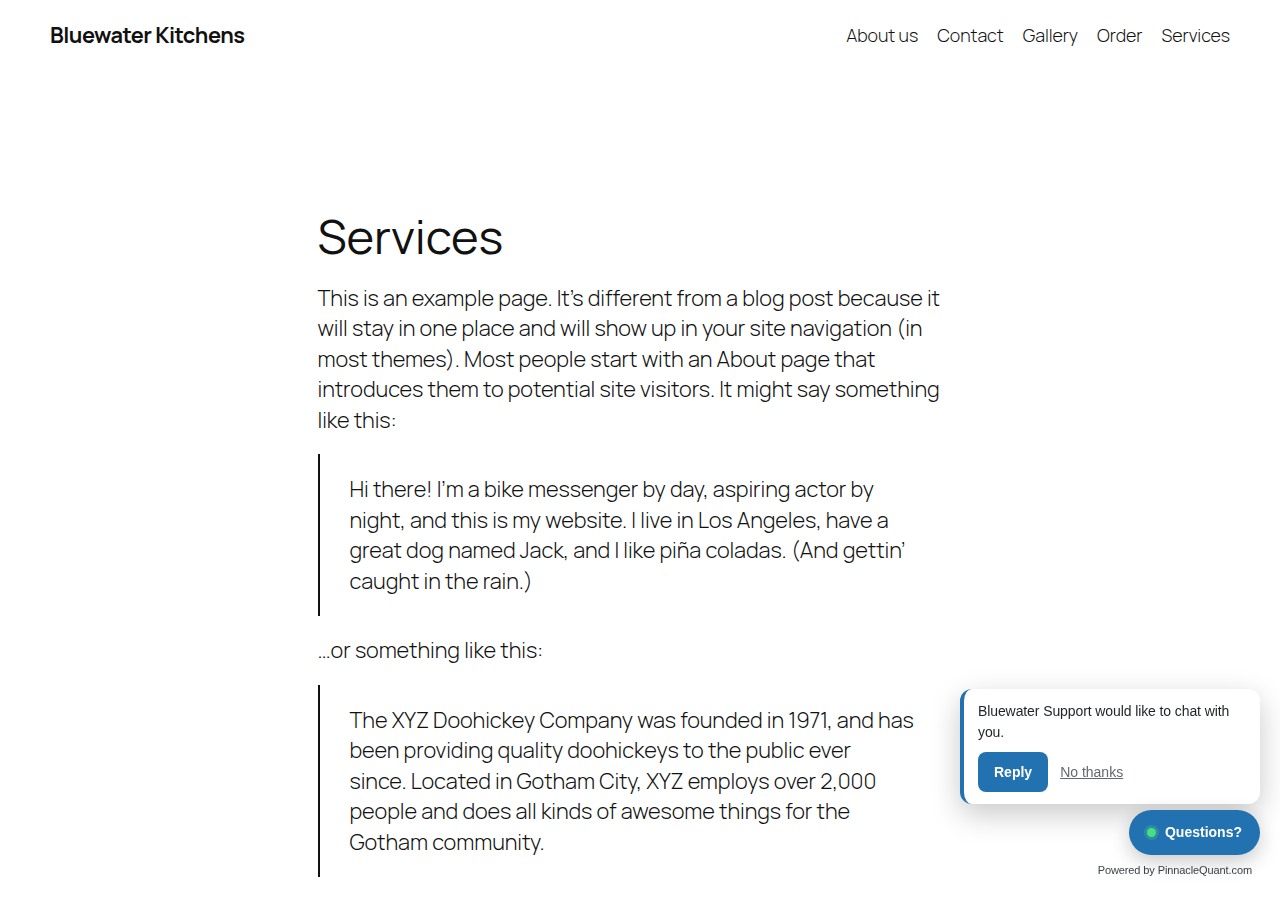
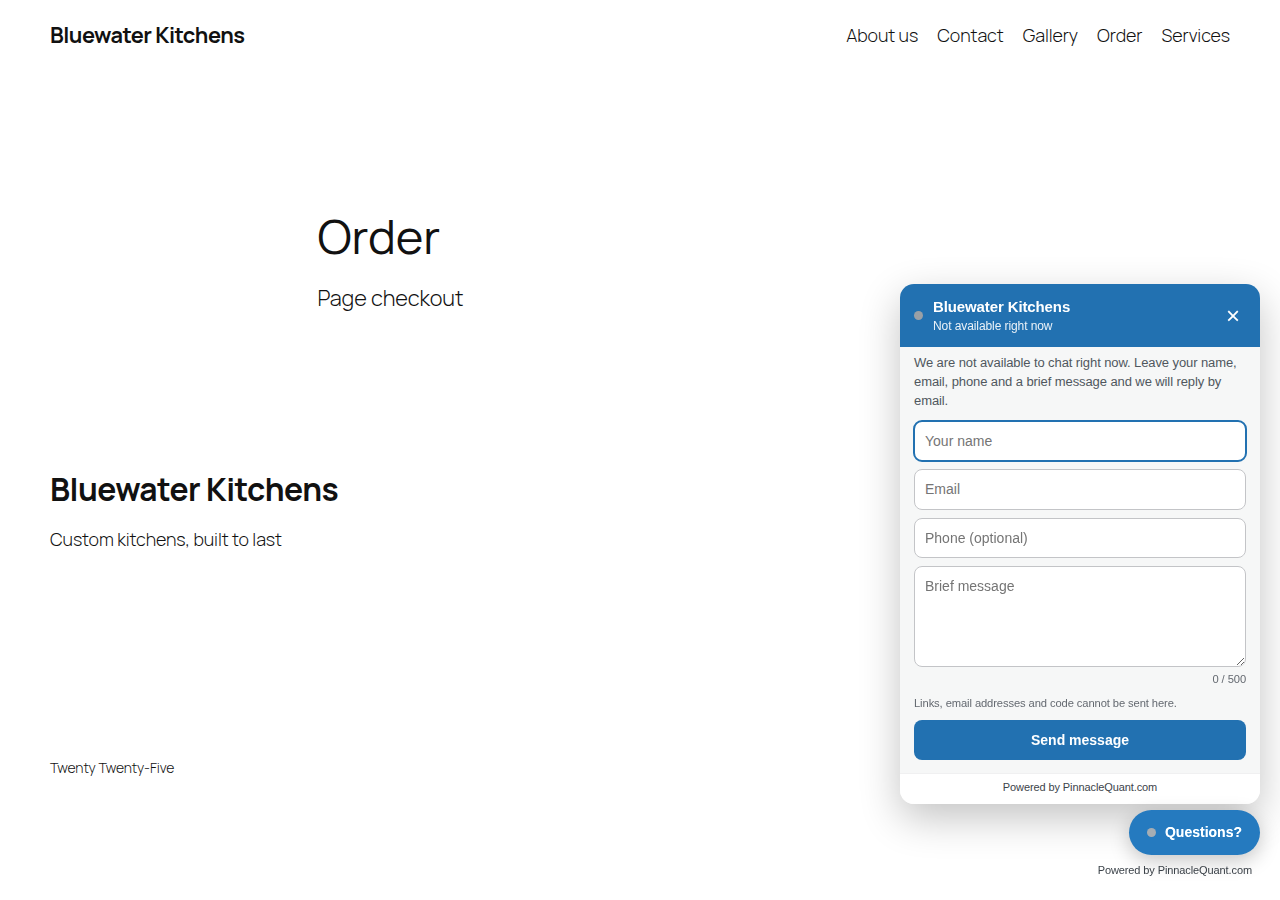
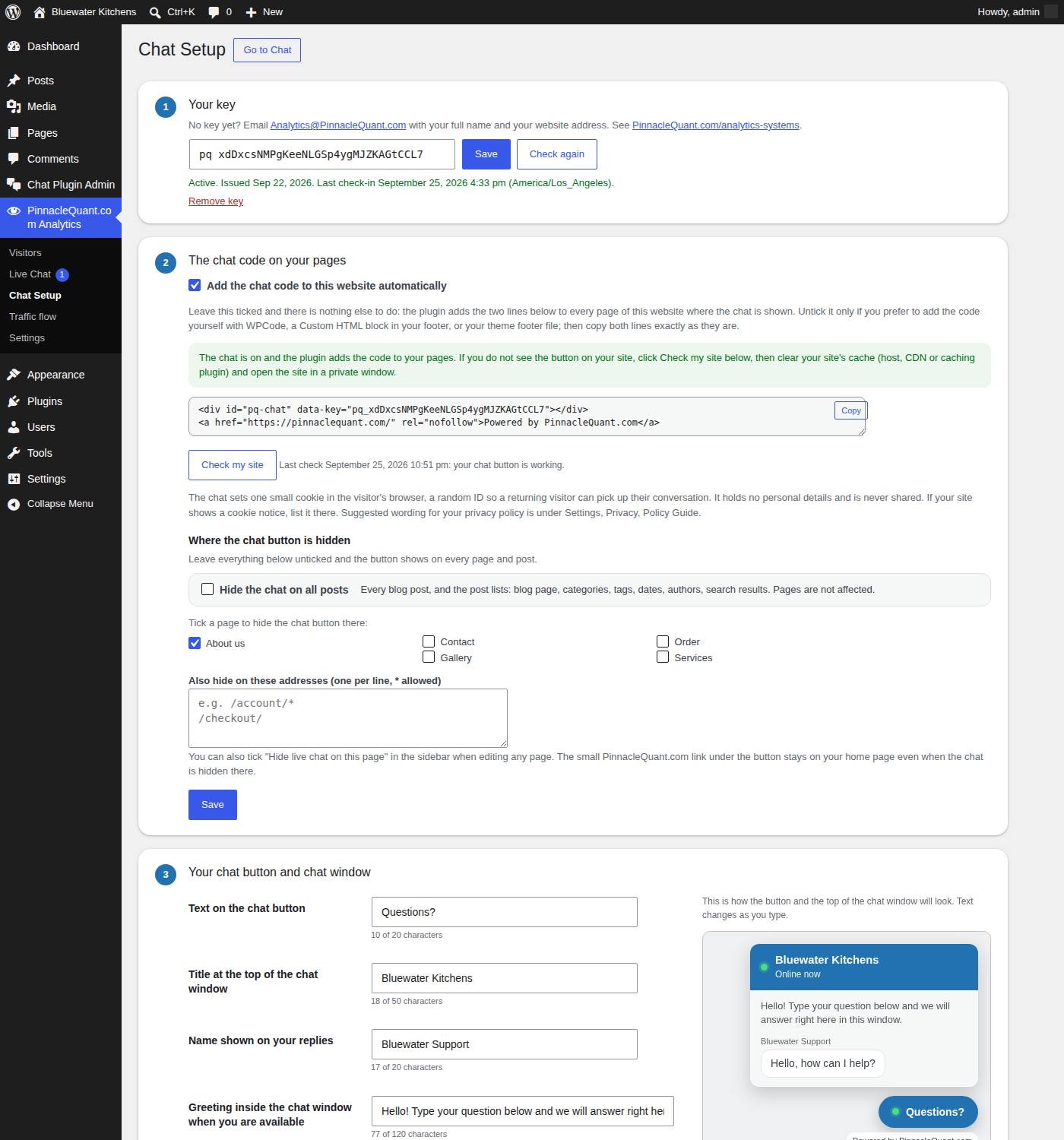
Analytics installs from WordPress.org; the Live Chat add-on is a zip file you download here. Analytics works on its own; the Live Chat add-on needs Analytics and a free key.
Both plugins are released under the GPL v3 and offered as is. We do our best to keep them working well, and we are not responsible for problems they may cause on a site. We may pause or end a chat key if we find it is being used for something we consider inappropriate; we will always say so by email. Updates are announced on this page. Questions: Info@PinnacleQuant.com.
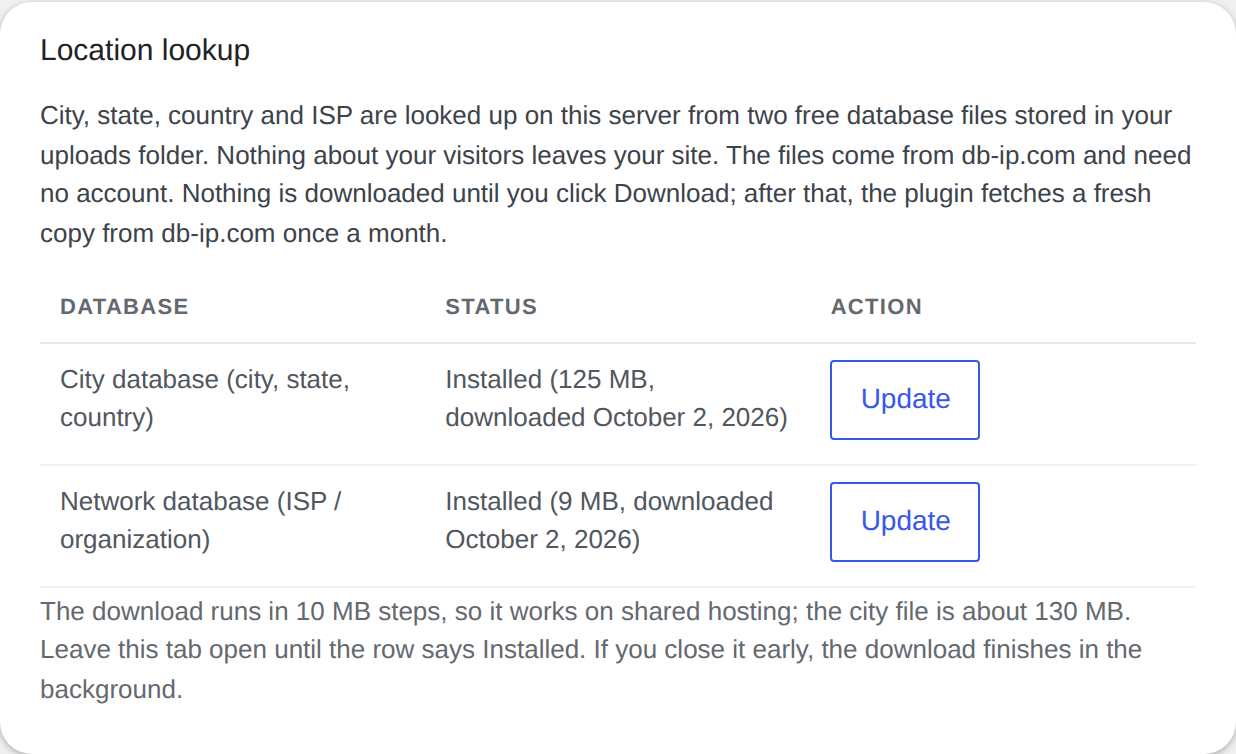
Because the numbers are yours. Most analytics services work by placing their script on your pages, so every visit is sent to their servers and their script runs in your visitors’ browsers. PinnacleQuant.com Analytics does the systematic computational analysis of data on your own server: each visit is written to your own WordPress database and read back in your admin, nothing is sent anywhere, and there is no outside script for a browser to load. You decide how long visit details stay, whose visits are left out, and who is blocked. That is also why it is fast: there is nothing to fetch from anyone else.
“Wealth hastily gotten will dwindle, but those who gather little by little will increase it.” – Proverbs 13:11